
The speaker stays in the frame
Center, Fit, Fill, Manual, tracked Auto follow, or a two person Split screen. 9:16, 16:9, 1:1 and 4:5.
How reframing worksUpload a recording. Clyps finds the moments that stand on their own, keeps the speaker in a vertical frame, and times the captions to the speech. You can change every one of those decisions before you export.
Free to start. No card. 30 source minutes and 3 exports a month.
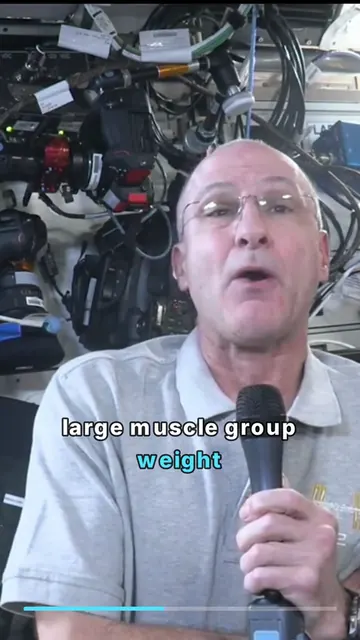
Public-domain NASA footage, rendered by Clyps. Footage credits ↗
Every frame below is the same NASA interview. Each clip is a different moment wearing a different Clyps treatment, cut from one upload.
 Followeveryword
 MAKEITLAND
 Easytoread
 STOPSCROLLINGNOW
 Onethoughtworthkeeping
 MAKETHISWORDBIG
 Keeptheframeopen
 Singalongwithit
8 moments · 8 treatments · one upload
Every clip below was cut, framed and captioned in Clyps. Play one, then find a look you would use.
Scroll. The stage on the right is one real recording going through the pipeline.
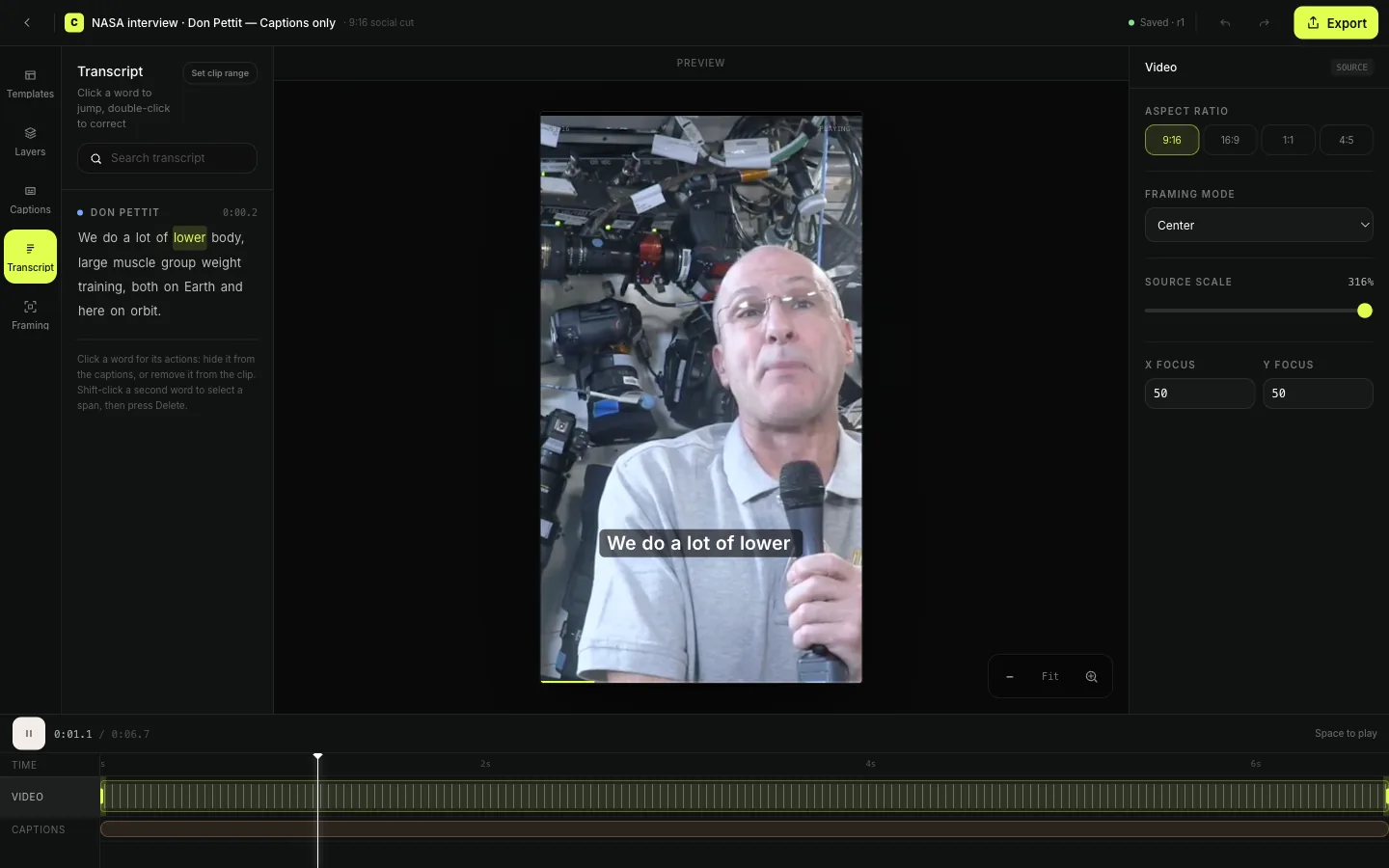
Every word gets a timestamp. With word level timing, a caption can follow speech to the syllable, and a trim can start on a word instead of a guess.
Video transcriptionEach suggestion comes with a title, a score and a written reason. The range is a proposal, not a verdict. Drag either end and the transcript follows.
How clips are chosenCenter, Fit, Fill, Manual, tracked Auto follow, or a two person Split screen. The crop is drawn on the source, so you can see exactly what leaves the frame.
How reframing works106 templates, all editable. The preview paints the same treatment the export renders, so what you approve is what you post.
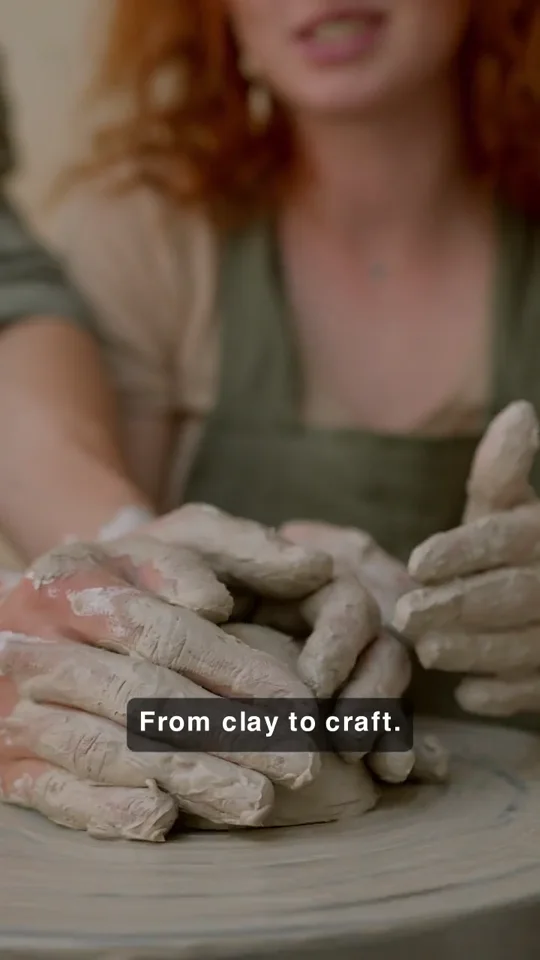
Caption templatesThese are not thumbnails. Each tile paints its treatment from the template definition, so what moves here is what renders in your MP4. Pick a group to swap the set, hover to pause, then change any of it in the editor.
Arabic and Urdu run right to left, in Naskh and Nastaliq. Hindi keeps its conjuncts and vowel signs. Clyps shapes every line with HarfBuzz and the pinned Noto fonts the export draws with, and each template keeps its colors and word highlight. Latin keeps its accents, and Creator suggests an emoji when a word calls for one.
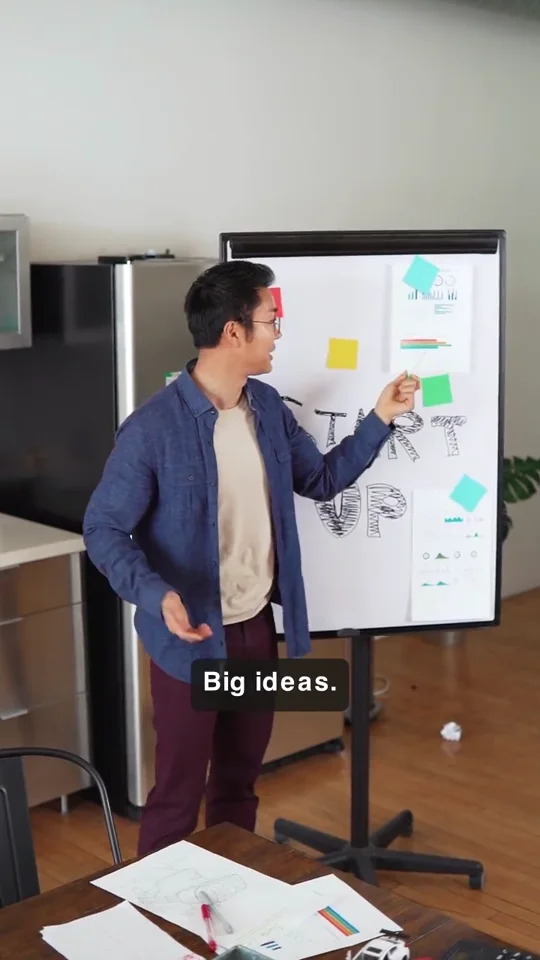 كلكلمةفيوقتها
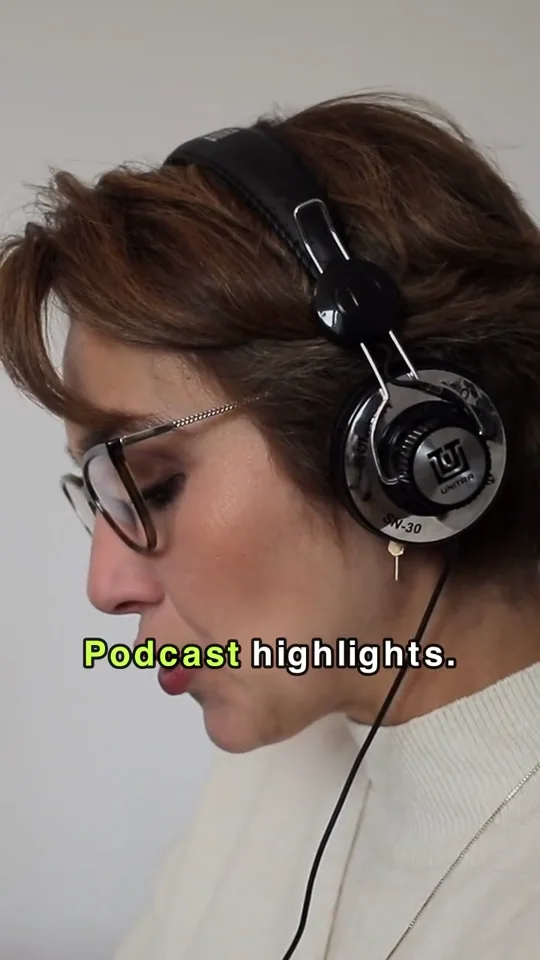 ہرلفظاپنےوقتپر
 हरशब्दसहीसमयपर
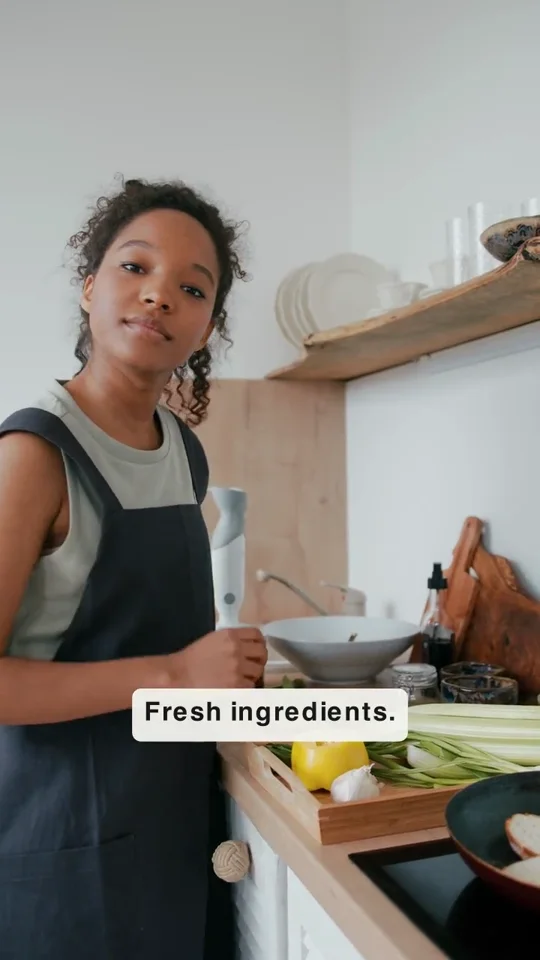 ¿Quépasódespués?
 Çachangedéjàtout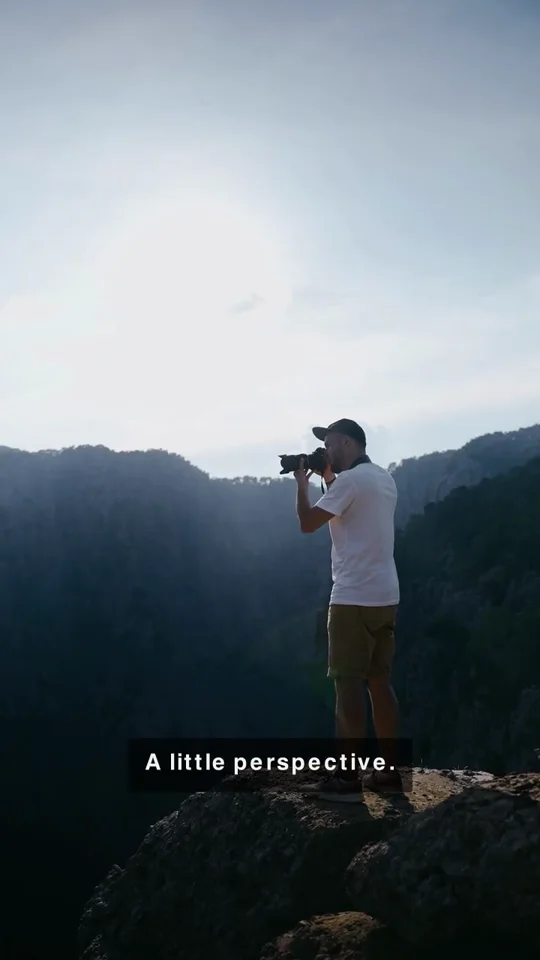
 Thisideachangedeverything
Center, Fit, Fill, Manual, tracked Auto follow, or a two person Split screen. 9:16, 16:9, 1:1 and 4:5.
How reframing worksClyps suggests Pexels stills and video from the transcript. Choose full screen or split, change the timing, or take it out.
See B-roll layoutsThe transcript is the timeline. Every suggested clip arrives with a title, a score and a written reason, so you can disagree with it.
3 templates set the caption behind the speaker. In a browser with WebGPU, SAM 2.1 tracks the person on your device and the export uses that same matte. Elsewhere, Clyps makes the matte on its servers.
 BEHINDTHESPEAKER
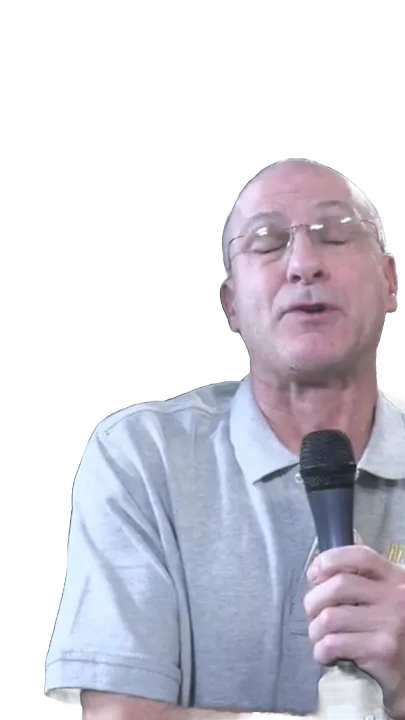 Fillmovesbehindyou
Set the range before Clyps looks. In the editor, delete a word or a pause from the transcript and the cut follows; restore it the same way.
One long upload becomes a week of vertical cuts for Shorts, Reels and TikTok.
Split screen holds both people in a 9:16 clip when two of you are talking.
One recorded explanation becomes a focused lesson with the terms spelled right.
Webinars, demos and founder videos get a second life without a second edit.
Client recordings styled to the brief, delivered as MP4s into the review you already run.
A recorded message becomes readable excerpts people can watch during the week.
Free has the whole editor, all 106 templates, text behind the speaker, B-roll and 4K export. Paying buys more minutes, exports and storage each month, and removes the watermark.
$0 a month
$19 a month
$39 a month
Free includes 30 source minutes, 10 finished minutes and three exports a month. Free exports carry a Clyps watermark and free media expires after seven days.
Create your Clyps account